
When we design a website, an app or any technology product, is it really enough to think only of the “majority” of users to be considered democratic? There is only one answer: no. To be as inclusive as possible, we must carefully assess the accessibility of a website, designing it as if it were meant for every single person, that is, considering the different needs and possible interpretations of each user.
The different levels of website accessibility
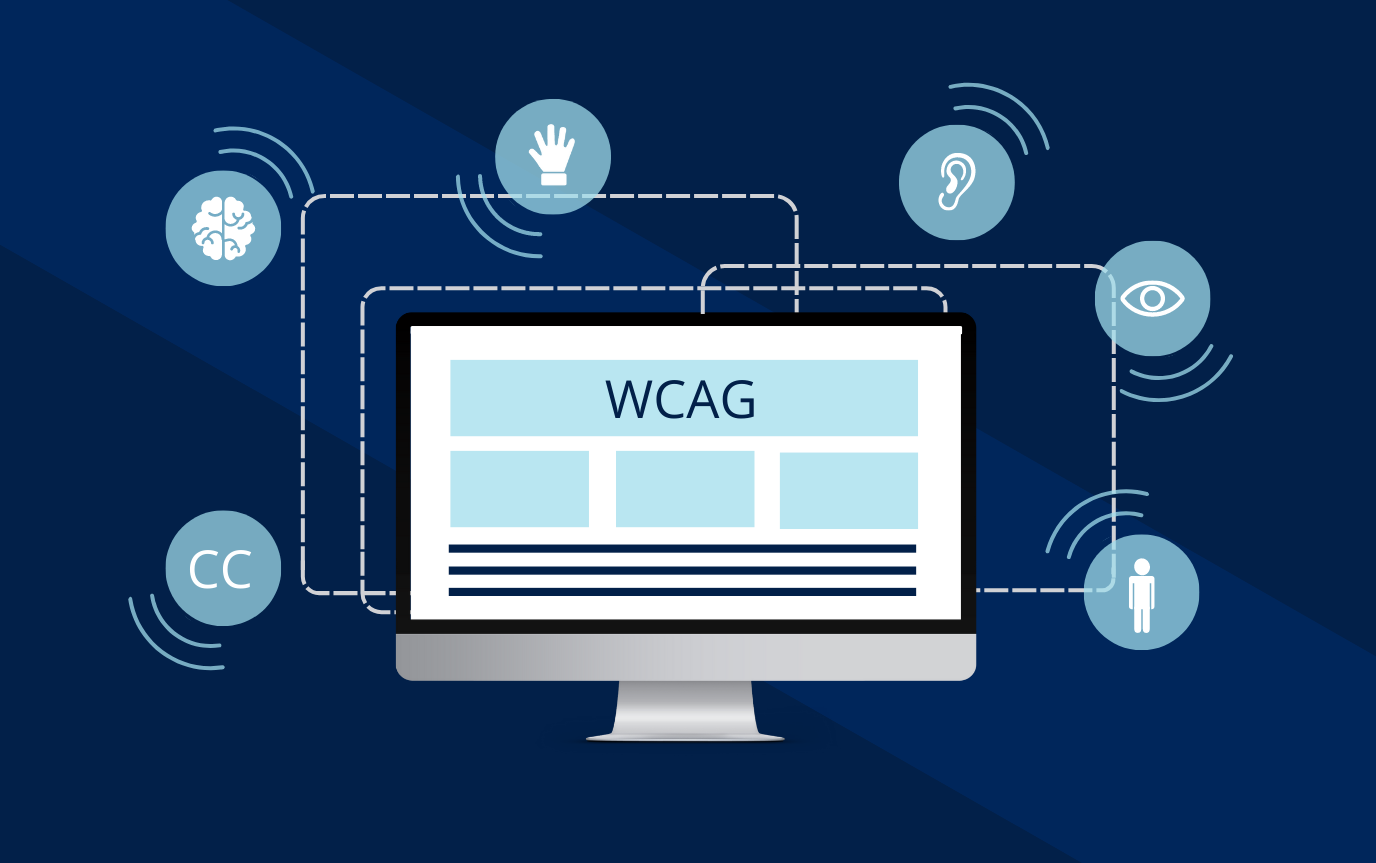
When it comes to website accessibility, the web content guidelines (WCAG) divide apps into three levels:
> Level A requirements – they address a broad group of people and are considered the essential foundation of accessibility.
> Level AA requirements – they are more complete and bring a great benefit to a large number of users.
> Level AAA requirements – they are considered an added value, not indispensable but welcome.
As designers, we should always try to meet the level A and AA requirements and, where possible and feasible in terms of time, take the level AAA requirements into consideration as well.
Difficulties and impairments of potential users: which ones to take into account for good website accessibility
Making a website accessible means making it easy to read and understand for everyone, including users with disabilities or difficulties of any kind. If a website is considered accessible in every respect, anyone can access it, regardless of their psychomotor abilities and of the device used to browse online.

Let us look together at the main aspects to take into account for a web designer to build a site that respects all users of the web.
Visual difficulties
When it comes to user interfaces, the use of visual input and feedback is inevitable. But are we really sure there are no other ways to provide these interactions? There are in fact several strategies to support those who find it hard to process visual information. For example, we can (and must) opt for colour palettes that meet contrast standards, ensuring that interfaces are clearly legible. This applies both to those with focusing problems and to perfectly healthy users (even an airline pilot would struggle to make out sky-blue text on a white background).
To cater for those with severe disabilities too, we recommend implementing a Voice Over option to read the text aloud, as well as the pinch-zoom function, which lets users enlarge individual elements of the user interface for easier reading.
Visual difficulties also include colour blindness, that is, the inability to distinguish colours. An error text highlighted in red or a success message in green are not legible to everyone, so it is good practice to add icons that underline the message to be sent to the user (such as a “check” icon for having completed the action successfully or a “warning triangle” icon for errors).
Hearing difficulties
Hearing difficulties can be caused by various factors, such as age, trauma or simply genetics. Multimedia and voice design is certainly in vogue (think of the intelligent personal assistant Alexa), but it is right and proper to avoid creating designs that rely only on auditory input/output. Remember: a product designed without sound as well should not be less accessible.
To help this category of users we can, for example, add subtitles and/or scripts that set out video or audio content in writing.
Another device you can use is the use of vibrations or written alerts, so that the user does not have to rely on sounds alone (think of Google Maps, which uses vibrations to tell the user that they need to take a certain action).
Speech disorders
For users who are unable to produce the sounds of spoken language correctly, it is important to build into projects interactions that offer an alternative to voice input.
For example, always allowing the option to type can be an effective solution.
In addition, those with comprehension difficulties may struggle to understand the language used on your website, which is why using clear, simple and descriptive language is essential.
Motor difficulties
Motor difficulties affect our ability to perform actions that require movement and the handling of objects: from writing to dancing, down to the most apparently simple actions, such as doing up a zip. When we design web user interfaces, it is important to consider above all the motor challenges related to the hands, since people use them to type, touch and navigate interfaces. During design, it is useful to test interfaces on different devices to get a very precise idea of how the product will be used on the real device.
Is our interface easy to use? Are the key elements of the user interface easily reachable? Are they an adequate size? These are some of the questions to answer to make our website able to overcome “motor barriers” of every kind.
There are also alternatives to manual interactions, such as voice recognition, which could simplify some tasks.
Cognitive disorders
Simple, intuitive usability in user interfaces avoids needless cognitive overload. To cater for those with difficulties such as problems remembering, learning new notions, concentrating and making everyday decisions, a web developer must aim for simplicity and familiarity and guarantee an experience that is as immediate and fluid as possible, able to bring the focus onto the content.
The importance of offering all your users good website accessibility
Designing for the accessibility of a website should not be an option, but a responsibility. Inclusive design improves the user experience for everyone, but it also reflects a society that embraces diversity and respects the rights of every individual.
Do you want to be sure you are offering your customers good website accessibility? The dotenv team can help you optimise your software or design one able to overcome any possible obstacle!
Tell us about your project