
What is a web application, and when does it fit?
A web application runs in the browser with nothing installed on company machines: it updates in one place and works on whatever hardware people have. It fits offices, wired warehouses and portals. You need a native app when the work involves rugged scanners, label printers, or hours with no network.
A web application is software you use from a browser, with nothing installed on company machines. It is the most common shape of business software today, for a practical reason: it updates in one place, and the people using it do not have to wait for somebody to visit their desk.
What it is, and how it differs from a website
It runs on a server and opens with an address, like a website. But it behaves like a program: it keeps state, handles permissions, writes to a database, connects to other systems.
The difference from a website is not the technology. A web application is for working, a website is for reading.
The benefits, and what they are really worth
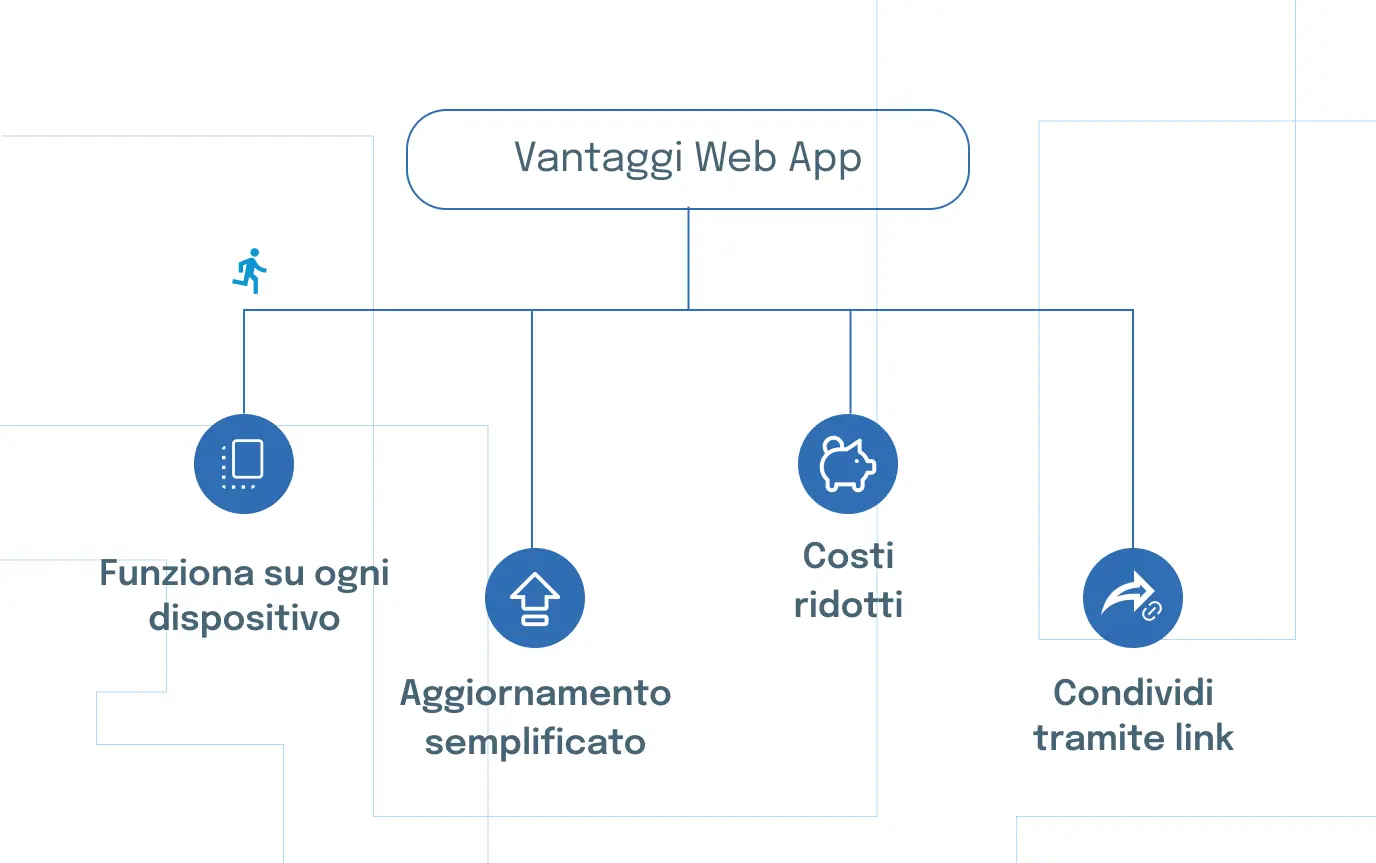
Nothing to install. The biggest one in a company, and not for convenience: it removes the queue at the IT desk every time somebody new joins.
One update. You fix a defect at nine and at one minute past nine everybody has it. With software installed on a hundred desks the same fix is a project.
It runs on what you have. Old Windows machines, Macs, tablets, the home laptop of somebody travelling. The constraint becomes the browser, not the computer.
Access is controlled in one place. Permissions live in one system, and when somebody leaves you revoke them in a click.
The downside: it needs a connection. In a warehouse where the network does not reach that is a real problem, and it is solved, but designed for up front, not discovered later.

The types, and when each fits
Static. Content that rarely changes, the same for everyone. Fine for a manual or an internal catalogue; not a working tool.
Dynamic. Content depends on who is looking and what is in the database. This is the shape of nearly all business software.
Single page. The application loads once and never reloads the page: it feels like an installed program. Worth it where people stay inside for hours: a warehouse system, a dashboard.
Installable on the phone. They sit on the home screen, work without a network, and update without going through a store. They are the right answer for field work, and they are proposed far too rarely.
The four we build most often
Production dashboards: line status on a screen in the plant, updating by itself and readable from three metres away.
Customer and supplier portals: orders, documents, delivery status. They take phone calls and email attachments out of the working day, and it is measurable.
Shop-floor tools: quality checks, production declarations, picking. Few screens, designed to be used standing up and with gloves on.
Configurators and quoting tools: complicated product rules, put where the people who sell can reach them.
The parameters for choosing
- Who uses it, and in what conditions. Office, shop floor, van: three different projects even when the function is the same.
- The connection where the work actually happens. Not the office one: the one at the far end of the warehouse.
- What it has to talk to. Integration with the ERP, MES or warehouse system is almost always the longest part of the work.
- How many people at once. An application that holds ten users and one that holds four hundred are different projects.
- The corporate browser you are stuck with. Worth more than any technical consideration: if the shop floor runs a version five years old, that is the constraint.
- Who will maintain it in three years.
The steps, in the right order
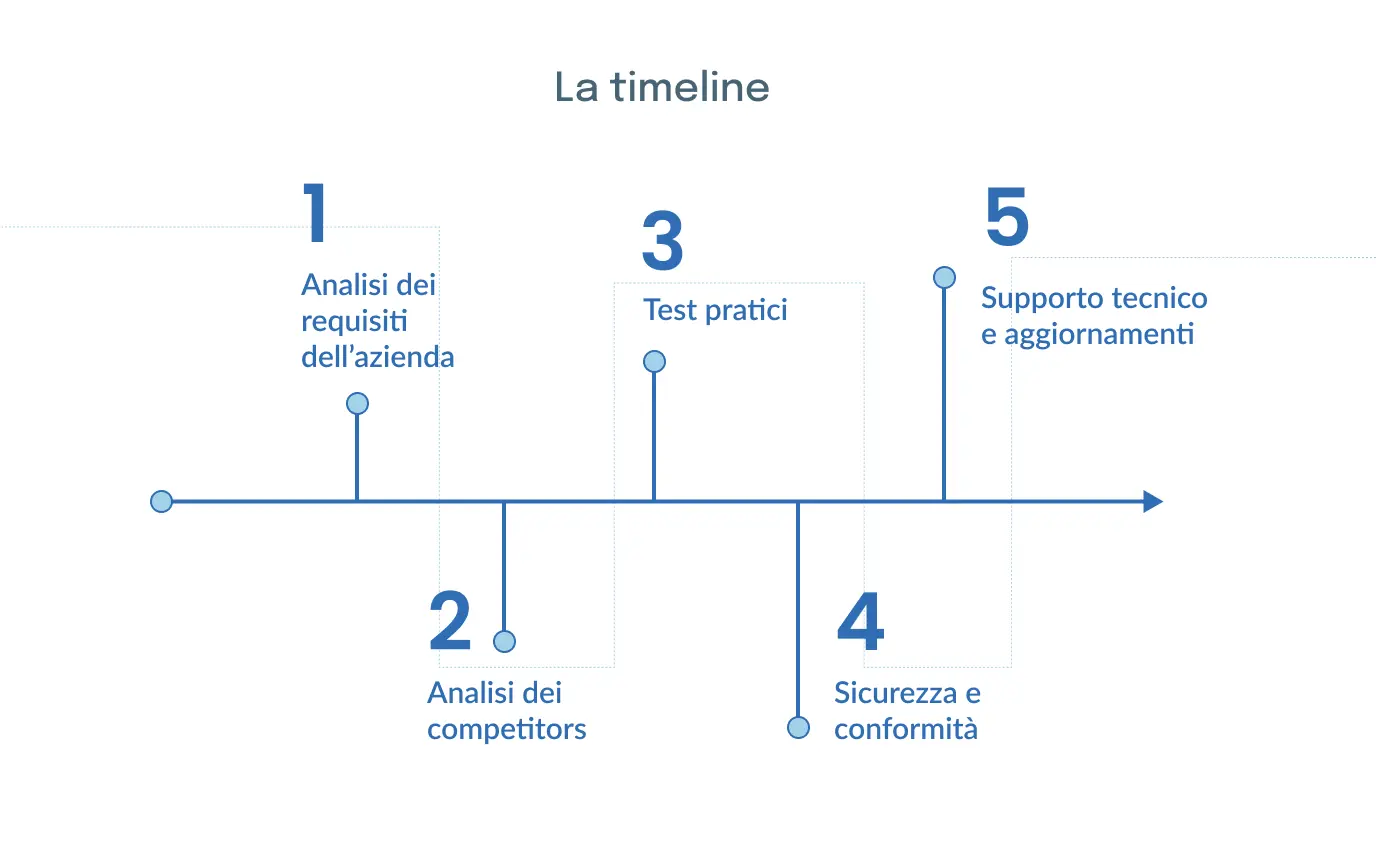
- Watch the process where it happens. Half a day on site is worth more than three meetings about the specification.
- Check whether a product already does it. If the process is standard, buying costs less. We say so even when we could write it.
- Test the screens with the people who will use them, before the code exists.
- Look at the integrations first, not last.
- Plan for go-live: migrating the old data, training, and the two weeks when the shop floor runs into it for the first time.
What it costs, and what drives it
The price does not depend on the number of features: it depends on the integrations and on how well defined the scope is when you start.
An application with twenty screens and no external connections costs a fraction of the same application that has to read from and write to the ERP, handle permissions for three departments, and stay up with forty people connected. That is why two quotes for the same specification can differ by a factor of three.
The costs that turn up later and are often missing from a quote: infrastructure (servers, database, backups, certificates), routine maintenance for new browser and library versions, training, and further development, which always comes because software that gets used generates requests.
Security, without the jargon
Three things are not negotiable: an encrypted connection, permissions checked on the server and not just by hiding buttons, and backups somebody has tried to restore at least once.

The third is the one most often missing. A backup never restored is not a backup: it is a hope.
To these add handling of personal data, which comes up in process software more than people expect: employee records, production data traceable to a person, images. Decide up front who can see what, and how long it is kept.
When a web application is not enough
When hardware is involved (rapid barcode scanning with a physical scanner, some NFC readers, tethered label printers) or when people work for hours with no network. In those cases you look at native, and the choice is made after seeing the shift.
Tell us about the process, or read how we design for the shop floor.